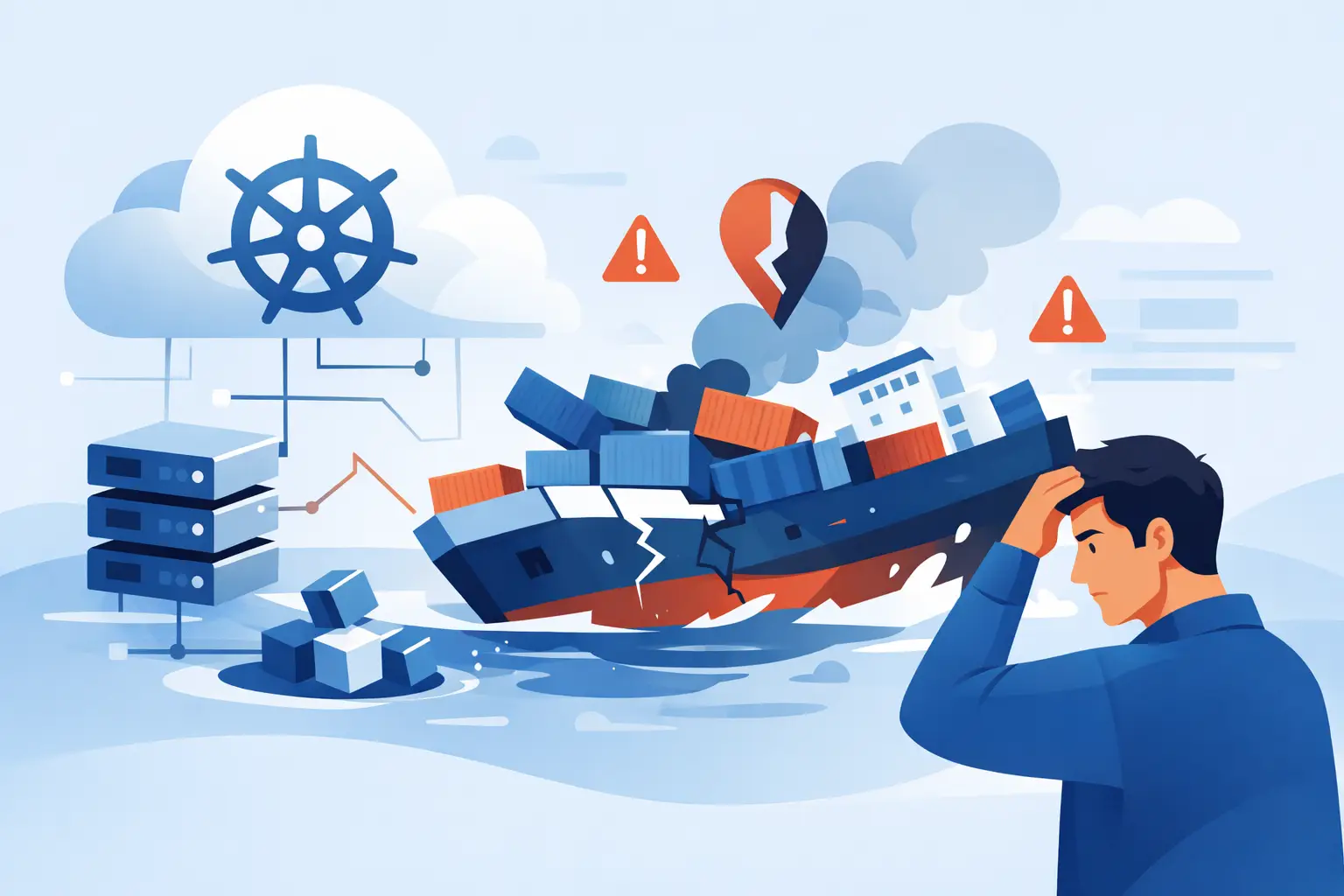
A deployment can look valid in Git, apply without errors, and still leave users facing a broken service. That gap is why do Kubernetes deployments fail is such a common operational question. Kubernetes successfully creates the objects you request; it cannot guarantee that the application, its dependencies, its policies, and the cluster all agree at runtime.
For teams running production workloads, the useful question is not whether Kubernetes is reliable. It is how a deployment moved from intent to failure. The answer is usually visible in a small set of signals: the Deployment condition, ReplicaSet events, pod status, container logs, and the behavior of the service after traffic reaches it.
Why Do Kubernetes Deployments Fail in Production?
A Kubernetes Deployment is a controller that tries to maintain a desired number of healthy pod replicas. Failure can occur at any point in that chain. The API server may reject a manifest, the scheduler may be unable to place a pod, a container may fail to start, or readiness checks may stop the rollout because the application never becomes eligible for traffic.
This distinction matters during incident response. A failed `kubectl apply` is a configuration or admission issue. A Deployment that remains unavailable after applying is usually a scheduling, startup, health, or rollout issue. Treating every failure as “Kubernetes is down” wastes the evidence the platform already provides.
The rollout is waiting for healthy pods
Deployments do not consider a new replica successful simply because its container process started. The pod must satisfy its readiness requirements. If `progressDeadlineSeconds` expires before enough updated pods become available, the Deployment reports `ProgressDeadlineExceeded`.


This commonly happens when a readiness probe points to the wrong port or path, starts checking before the application has initialized, or depends on a database and other downstream service that is unavailable. A slow application may need a startup probe or more realistic initial delays. Increasing probe delays without understanding startup behavior can hide a genuine performance regression, so verify the application’s boot sequence first.
A related trap is confusing readiness with liveness. Readiness decides whether a pod receives service traffic. Liveness decides whether Kubernetes restarts it. A liveness probe that fails during normal warm-up can create a restart loop that prevents the pod from ever becoming ready.
The image cannot be pulled or started
`ImagePullBackOff` and `ErrImagePull` are direct signals, but their causes vary. The image tag may not exist, the repository name may be wrong, the node may lack registry access, or the namespace may be missing the required image pull secret. Private registries also expose credential-expiration problems that do not appear until a new node needs to pull the image.
An image can pull successfully and still fail immediately. `CrashLoopBackOff` often points to a bad command, missing environment variable, unavailable secret, incompatible architecture, or application exception. Do not diagnose this only from the pod phase. Inspect the terminated container’s exit code and logs, including logs from the previous container instance after a restart.
Immutable image tags make this investigation much easier. Reusing a tag such as `latest` creates ambiguity: the manifest may be unchanged while different nodes run different image contents based on pull policy and cache state.
Scheduling has no viable node
A pod stuck in `Pending` has not reached the application startup stage. The scheduler cannot find a node that satisfies its requirements. The most familiar cause is insufficient CPU or memory, especially when resource requests exceed available allocatable capacity. But node selectors, affinity rules, taints and tolerations, topology spread constraints, persistent volume rules, and maximum pod limits can produce the same result.
Resource requests deserve special attention because they control scheduling, while limits control the maximum resource use after scheduling. A team may set requests high enough to protect performance and then discover that the cluster cannot place replicas during a rollout. Lowering every request is not the answer. It can increase node density until noisy neighbors and memory pressure cause a different failure. Use real utilization data and capacity planning to select values that reflect the workload.
Configuration exists, but not where the pod expects it
ConfigMaps and Secrets are frequent rollout blockers because they connect deployment manifests to environment-specific settings. A referenced Secret may not exist in the target namespace. A key may be misspelled. A mounted file path may conflict with the application’s expected layout. Environment-variable substitution can also produce an empty or malformed value that passes Kubernetes validation but breaks the process at runtime.
Namespace boundaries are particularly easy to overlook. A Secret named `payments-db` in `staging` is not available to a Deployment in `production`. Kubernetes does not silently cross that boundary. The same principle applies to service discovery: a short service name works only within the expected namespace and DNS search context.
A Fast Way to Diagnose a Failed Rollout
Start from the Deployment, then follow the object hierarchy downward. This keeps the investigation grounded in the controller’s actual state rather than assumptions from the CI pipeline.
“`bash kubectl rollout status deployment/ -n kubectl describe deployment/ -n kubectl get pods -n -l app=
The `describe` output is often the fastest route to the root cause because Events capture scheduler decisions, failed mounts, rejected image pulls, probe failures, and admission-policy denials. Events are time-sensitive, however. Centralized logging and metrics remain necessary when a failure is intermittent or occurs before an engineer starts looking.
Next, compare the intended change with the last known healthy revision. Check the image digest, environment values, mounted configuration, resource settings, service account, probes, and any Helm or Kustomize values that generated the final manifest. The manifest deployed to the cluster is the source of truth, not a template that was expected to render a certain way.
Security and Policy Can Stop a Deployment Before Runtime
Modern clusters often enforce security controls through admission policies, Pod Security Admission, or policy engines. These checks can reject a deployment that runs perfectly in a less restricted environment. Common requirements include running as a non-root user, dropping unnecessary Linux capabilities, defining resource limits, using approved registries, and avoiding privileged containers.
These controls are productive when treated as engineering constraints early in the delivery process. If policy validation exists only in production, developers learn about missing security context after the release window has begun. Run the same policy checks against rendered manifests in CI, and maintain a documented exception path for workloads that have a justified operational need.
NetworkPolicy can create a subtler version of deployment failure. Pods become ready because the readiness endpoint is local, yet the application cannot reach DNS, a database, or another internal API once it receives traffic. The rollout appears healthy while the service is functionally unavailable. Test dependency connectivity from the pod and review both ingress and egress policy behavior.
Rollout Settings Can Turn a Small Defect Into an Outage
The Deployment strategy determines how much risk a release introduces. With a RollingUpdate, `maxUnavailable` allows old replicas to disappear before new ones are ready, while `maxSurge` permits temporary extra capacity. A configuration that is reasonable for a stateless API with many replicas may be dangerous for a two-replica service with tight capacity.
For critical services, use settings that preserve enough healthy capacity while the new version proves itself. Pair them with meaningful readiness checks, a rollback plan, and monitoring that measures user-facing errors rather than only pod counts. Kubernetes can report every replica as available while an incorrect route, incompatible API change, or failed dependency call damages the customer experience.
Canary or progressive delivery adds another safeguard, but it also adds operational complexity. It depends on trustworthy metrics, a clear threshold for stopping promotion, and the ability to route a small percentage of traffic predictably. A simple rolling rollout may be the better choice for low-risk internal services. The right method depends on blast radius, replication level, and how quickly the team can detect harm.
Prevent Failures Before the Cluster Sees Them
The strongest defense is a delivery pipeline that checks different failure classes at the right stage. Validate schema and rendered manifests before deployment. Scan images and verify registry access during build and release. Run application tests with production-like configuration where feasible. Then deploy to an environment with the same admission rules, DNS conventions, and resource constraints as production.
Also make failed releases reversible. Keep deployment revisions, set sensible deadlines, and make rollback a practiced procedure rather than an emergency command someone remembers halfway through an incident. Version configuration with the application change so a rollback restores a compatible pair, not just an older container image.
A Kubernetes deployment failure is rarely mysterious once the team follows the evidence from controller condition to pod event to application behavior. Build that investigative habit into runbooks and release reviews, and each failed rollout becomes a precise engineering signal instead of a recurring production surprise.