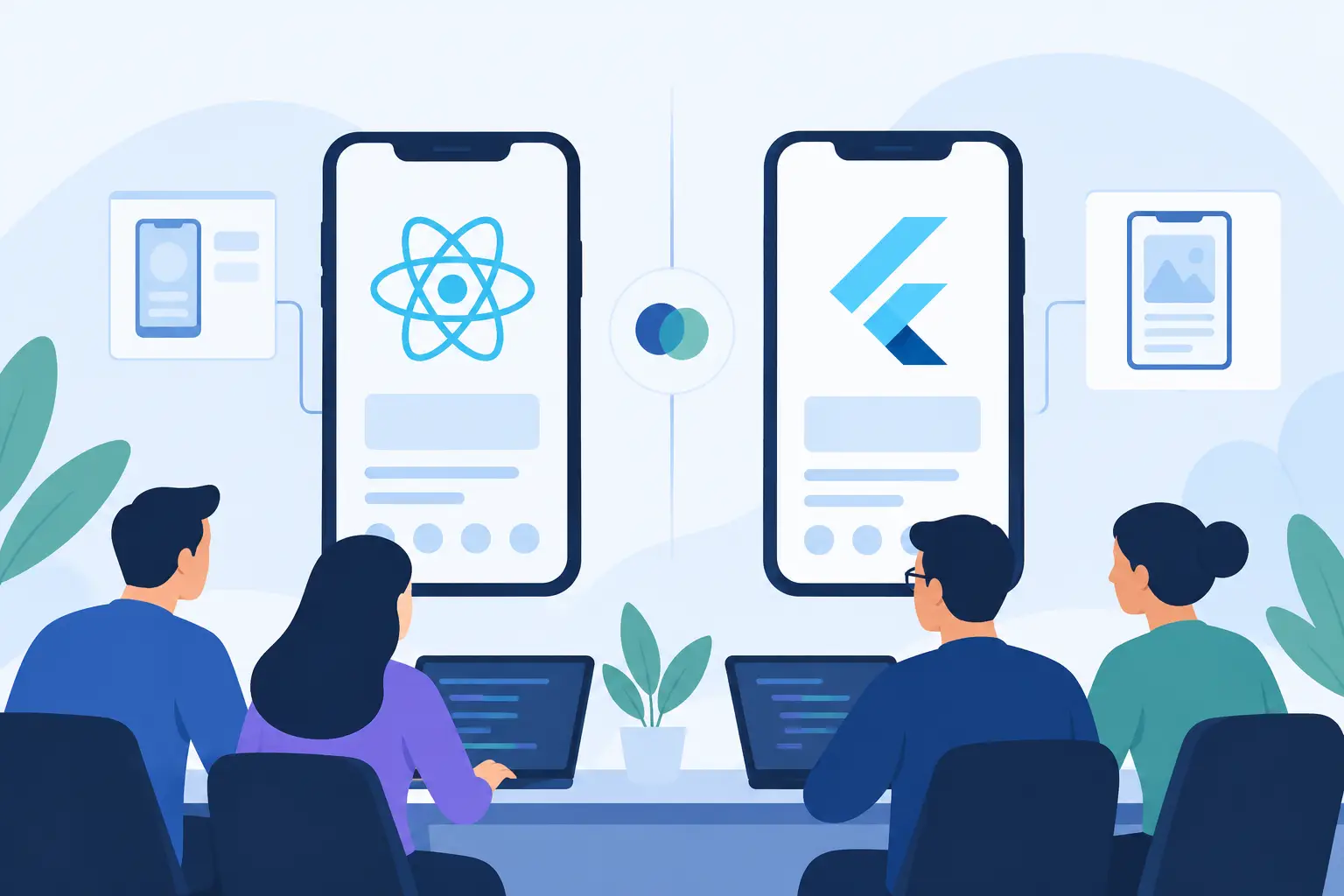
A mobile framework choice becomes expensive when it is made as a popularity contest. The real React Native vs Flutter decision affects how quickly your team ships, how closely the app matches platform expectations, which engineers you can hire, and how much framework-specific knowledge you carry into year three.
Both frameworks can produce polished iOS and Android applications from a shared codebase. Neither is automatically the faster, cheaper, or more maintainable option in every environment. The better choice comes from matching the framework’s model to your product, team, and operational constraints.
React Native vs Flutter: the architectural difference
React Native lets developers build application interfaces with JavaScript or TypeScript and React. Its rendering approach maps declarative component code to native platform views, while native modules provide access to device capabilities and platform-specific APIs. For teams already shipping React applications on the web, this is a familiar programming model.
Flutter uses Dart and draws most of its interface through its own rendering engine. Rather than relying primarily on the platform’s standard UI controls, Flutter delivers a consistent widget system that it controls across platforms. That gives teams a high degree of visual predictability, especially when an interface needs custom animation, precise layout behavior, or a branded design system.
The distinction matters more than benchmark charts. React Native often feels like an extension of a React organization into mobile development. Flutter feels like a dedicated application UI platform that happens to target mobile, web, desktop, and embedded devices. Each approach creates different integration, design, and hiring trade-offs.


When React Native is the better fit
React Native is usually compelling when web and mobile teams share product ownership, design patterns, and engineering talent. A company with strong React and TypeScript experience can move developers between web and mobile work more easily, reuse selected business logic, and apply familiar practices around state management, component composition, and testing.
It also fits products that benefit from native platform conventions. Standard navigation, forms, lists, accessibility behavior, and system controls can feel naturally at home on iOS and Android because the app works closely with the underlying platform UI. Teams can still customize heavily, but they do not need to recreate every expected interaction from scratch.
The React Native ecosystem is broad, particularly for products that need authentication, analytics, notifications, payments, maps, and common device integrations. Expo can further reduce setup and deployment friction for many projects. It is not a substitute for native expertise, however. Apps with specialized Bluetooth hardware, advanced media pipelines, unusual camera work, or proprietary SDKs may require custom native modules and engineers who understand Swift, Objective-C, Kotlin, or Java.
React Native’s newer architecture, including Fabric and TurboModules, improves the path between JavaScript and native capabilities. That is valuable, but migration and library compatibility still deserve deliberate planning. Before adopting a package, verify that it is maintained, supports your target React Native version, and works with the architecture your application will use.
When Flutter is the better fit
Flutter is a strong choice when visual consistency is a product requirement rather than a nice-to-have. Because Flutter owns the rendering layer, designers and engineers can create the same highly customized interface across iOS and Android without depending as heavily on differences between native controls. Complex transitions, interactive charts, game-like experiences, and branded layouts are common examples.
That control can also simplify design system implementation. A Flutter team can define reusable widgets and enforce behavior consistently across supported platforms. For organizations building companion desktop tools, kiosk software, or other multi-screen experiences alongside a mobile app, Flutter’s wider target coverage may be strategically useful.
Performance is another reason teams consider Flutter. Its compiled Dart code and rendering pipeline can provide predictable behavior for animation-heavy interfaces. Still, performance is not a blanket win. Slow startup caused by oversized assets, inefficient state updates, unnecessary rebuilds, chatty APIs, or poorly managed images can affect any framework. Measure the critical user paths on real devices before turning performance claims into an architectural decision.
The main organizational cost is Dart. It is approachable for developers familiar with object-oriented languages and modern UI concepts, but it is not as common in many web-focused teams as JavaScript or TypeScript. A company can absolutely build an excellent Flutter practice, yet it should account for onboarding time, recruiting availability, and the separate knowledge base needed to maintain it.
Compare the issues that shape total cost
Framework selection should not stop at feature velocity in the first release. The more useful question is which option lowers total cost across development, testing, upgrades, incident response, and future product changes.
Developer availability and team structure
React Native usually has an advantage when your developers already know React. That does not mean web engineers instantly become mobile specialists. Mobile release processes, lifecycle behavior, offline states, permissions, deep linking, accessibility, and store policies still require focused learning. But the shared language and mental model can shorten the ramp-up.
Flutter may be easier to staff in organizations where mobile engineers are dedicated and the product roadmap depends on a unified custom UI. In that setting, choosing Dart is less of a disruption because the team is already organized around mobile delivery. The right question is not which talent market is larger in the abstract. It is whether your company can recruit, retain, and support the skills the framework requires.
Native integration and platform change
Every nontrivial mobile application eventually meets native code. A third-party identity SDK, health platform, wearable, payment terminal, background task, or enterprise device policy can pull a shared-code app into iOS and Android details.
React Native’s model can be especially natural when an app needs to expose native views or APIs incrementally. Flutter can also integrate platform code through plugins and platform channels, and mature plugins cover many mainstream requirements. The deciding factor is the exact SDKs you depend on. Build a small integration proof of concept for the riskiest capability rather than relying on a package directory description.
Platform updates also matter. Apple and Google change privacy rules, build tooling, permissions, and store requirements regularly. Assign ownership for framework upgrades, native dependency updates, and release validation regardless of the framework you choose. Shared code reduces duplicated UI work; it does not eliminate mobile operations.
UI fidelity, accessibility, and testing
Flutter gives more control over pixels. React Native can give more platform-native behavior with less imitation. Neither outcome is universally preferable. A consumer brand with a distinctive visual language may value Flutter’s consistency. A productivity app that should feel immediately familiar to iPhone and Android users may prefer React Native’s relationship with native components.
Accessibility needs active testing in both ecosystems. Test screen-reader labels, focus order, dynamic text scaling, color contrast, keyboard behavior, and touch target size on actual devices. Automated checks are useful, but they cannot fully validate how a person experiences navigation with VoiceOver or TalkBack.
For quality assurance, plan a layered strategy: unit tests for business rules, component or widget tests for UI behavior, integration tests for critical journeys, and device testing for platform-specific risks. Also test poor networks, interrupted sessions, permission denial, account switching, and app upgrades. These are often where a mobile product loses trust, not on its cleanest demo screen.
Performance and app size
Both frameworks can meet the performance expectations of typical business, commerce, content, and consumer applications. The work that matters is profiling your app’s actual bottlenecks. Monitor startup time, dropped frames, memory pressure, API latency, image loading, battery use, and crash-free sessions after release.
Flutter’s rendering approach can be attractive for intensive visuals, while React Native’s native components can be attractive for conventional platform interfaces. But a poorly structured application erases those theoretical advantages quickly. Establish performance budgets early and use release builds on representative low- and mid-range devices, not only flagship development phones.
A practical decision path
Start with the product’s hardest requirements. List the native SDKs, offline behavior, animation complexity, accessibility obligations, target platforms, security controls, and release schedule. Then identify the team that will own the application after its launch, not just the team building the first version.
Choose React Native when React and TypeScript are strategic skills, the product benefits from native platform conventions, and your required integrations are well supported or manageable through native modules. Choose Flutter when a controlled cross-platform visual layer, animation-rich UX, and a consistent design system outweigh the cost of adopting Dart and a separate ecosystem.
If the answer remains unclear, build two narrow prototypes around the risky workflow: perhaps login with enterprise identity, offline data synchronization, camera processing, a complex transaction flow, or a custom animated dashboard. Evaluate build setup, implementation time, device behavior, testability, accessibility, package health, and the amount of native code required. A two-week prototype can prevent a multi-year framework mismatch.
The best mobile stack is the one your team can improve confidently after the launch deadline has faded. Pick the framework that makes future changes – security fixes, new platform policies, design revisions, and feature experiments – routine engineering work rather than a recurring architectural gamble.