
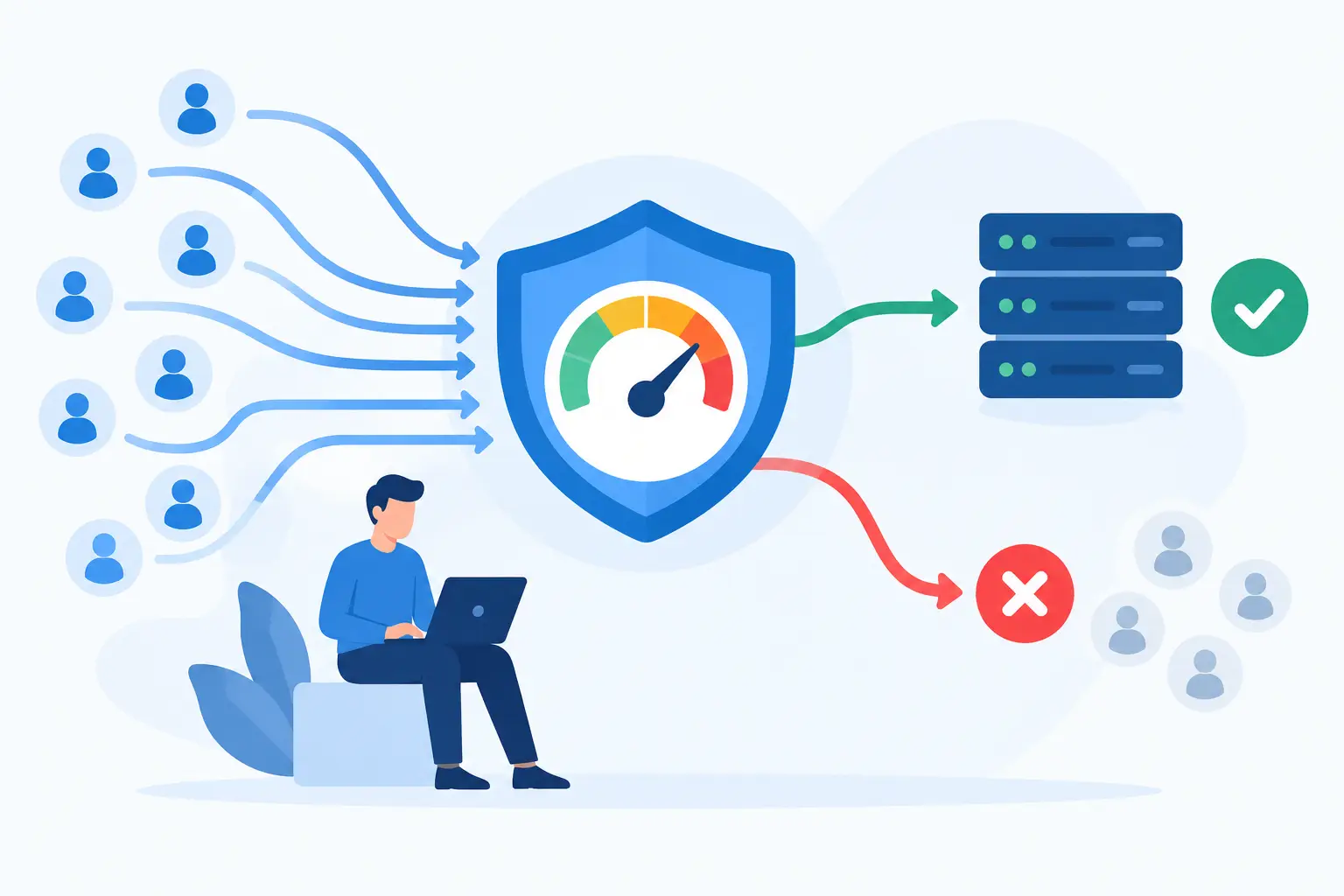
A login endpoint that accepts unlimited attempts is not merely a performance concern. It is an invitation to credential-stuffing attacks, noisy bots, and expensive downstream work. When you configure rate limiting middleware correctly, you establish a clear operating boundary before abusive traffic consumes application threads, database connections, or third-party API quotas.
Rate limiting is often added after an incident, then left with a default setting such as 100 requests per minute for every route. That is better than no control, but it is rarely the right policy. Effective limits account for endpoint risk, user identity, client behavior, deployment topology, and how the API communicates backoff instructions to callers.
Start With the Behavior You Need to Control
Rate limiting middleware sits in the request path and decides whether a request can proceed. It tracks activity against a key, such as an IP address, API key, user ID, or tenant ID, then rejects requests once the configured threshold is exceeded. Most implementations return HTTP 429 Too Many Requests, ideally with headers that tell clients when to retry.
The first decision is not which library to install. It is what behavior creates risk or unfairness in your application. A public search endpoint may need protection from scraping and infrastructure overload. A password reset endpoint needs aggressive controls because every request can trigger email delivery and account enumeration risks. A write-heavy endpoint may need a per-tenant limit so one customer cannot monopolize shared capacity.
Avoid applying one global number to every route. A dashboard may legitimately make several parallel read requests when it loads, while a token-creation endpoint should allow only a handful of attempts. Separate policies give users room to complete normal work without giving automated clients a free path to exhaustion.


Choose an Algorithm Before You Configure Rate Limiting Middleware
Middleware packages commonly expose a window and a maximum request count, but the underlying algorithm changes the user experience.
A fixed-window counter is simple: allow 100 requests between 12:00 and 12:01, then reset the count. It is easy to understand and inexpensive to run, but it permits bursts around the window boundary. A client can send 100 requests at 12:00:59 and another 100 at 12:01:00.
A sliding window improves fairness by calculating activity across a moving period. It reduces boundary bursts, although it can require more storage or more careful approximation. For many APIs, this is a sensible default where predictable client behavior matters.
A token bucket allows short bursts while enforcing a sustainable average rate. Tokens refill over time, and each request consumes one. This approach works well for interactive APIs because it handles a brief page-load spike without allowing sustained abuse. A leaky bucket similarly smooths traffic by processing requests at a fixed pace, making it useful when protecting a service with strict throughput constraints.
The right choice depends on the downstream dependency. If a database can safely absorb a brief burst but not continuous pressure, use a token bucket. If every request starts a costly job, a lower fixed or sliding limit may be more appropriate.
Build Policies Around Identities, Not Just IP Addresses
IP-based limits are a useful first layer, especially for anonymous routes. They can also be misleading. Thousands of legitimate users may share a corporate NAT gateway, mobile carrier address, or school network. Meanwhile, an attacker can distribute traffic across a botnet and evade a simple per-IP threshold.
Use the strongest stable identity available at each point in the request lifecycle. For authenticated API traffic, an API key, account ID, or tenant ID is usually a better key than the source IP. For a login route, combine normalized username or email with IP address where practical. This limits repeated attempts against one account while also containing broad attacks from a single source.
Be deliberate when using proxy headers. In a cloud deployment, the application may see only the load balancer’s IP unless the framework is configured to trust the correct forwarding proxy. Trusting every `X-Forwarded-For` header is dangerous because a direct caller may forge it. Configure trusted proxy ranges or topology-specific settings, then test that the middleware extracts the real client address.
A Practical Middleware Pattern
The following Express-style example uses distinct limiters for general API traffic and authentication attempts. The syntax varies by framework, but the policy structure transfers to ASP.NET Core, Spring Boot, FastAPI, Django, and API gateways.
“`js const generalApiLimiter = rateLimit({ windowMs: 60 * 1000, limit: 120, standardHeaders: “draft-7”, legacyHeaders: false, keyGenerator: (req) => req.user?.tenantId || req.ip, handler: (req, res) => { res.status(429).json({ error: “rate_limit_exceeded”, message: “Too many requests. Try again shortly.” }); } });
const loginLimiter = rateLimit({ windowMs: 15 60 1000, limit: 10, skipSuccessfulRequests: true, keyGenerator: (req) => `${req.ip}:${req.body.email?.toLowerCase()}` });
app.use(“/api”, authenticateOptional, generalApiLimiter); app.post(“/auth/login”, loginLimiter, loginHandler); “`
There are two design details worth noticing. The general limiter keys authenticated traffic by tenant, which better matches a multitenant capacity model. The login limiter has a tighter threshold and can ignore successful attempts, focusing the budget on repeated failures. Do not copy that setting blindly: allowing successful requests to skip counting can be wrong for endpoints where successful calls are themselves expensive.
Middleware order matters. Authentication must run before a policy that keys on authenticated identity, but authentication itself can become a target. Put an inexpensive IP-based limiter ahead of expensive token validation if malicious traffic is a concern. Then apply a more precise user or tenant policy after identity is established.
Use Shared Storage in Production
An in-memory counter works during local development or on a single server. It fails once requests are distributed across containers, pods, regions, or autoscaled instances. Each instance sees only a fraction of the traffic, so an intended 100-request limit can quietly become 100 requests per replica.
Use a shared, low-latency store such as Redis for application-level rate limits, or enforce limits at an API gateway, CDN, web application firewall, or service mesh when that location has better visibility. Many mature platforms support both layers: an edge limit for volumetric attacks and application middleware for business-aware limits tied to users, tenants, plans, or route semantics.
Shared storage introduces its own operational questions. Decide what happens if Redis is unavailable. Failing closed protects downstream systems but may block legitimate users during a cache outage. Failing open preserves availability but removes a protection layer at the worst moment. Critical authentication and payment workflows often justify a conservative policy, while a low-risk read endpoint may favor availability. Record the decision rather than treating it as a library default.
Return Signals Clients Can Act On
A 429 response should not be a dead end. Send standardized rate-limit headers when your framework supports them, along with `Retry-After` when a client should wait before trying again. Document whether limits apply per second, minute, hour, identity, route, or subscription tier.
Clients should use bounded retries with exponential backoff and jitter. Retrying immediately after a 429 only extends the block and amplifies load. For internal service-to-service calls, pair rate limiting with timeouts, circuit breakers, and queue-based workloads where appropriate. Those controls solve different problems, but together they stop transient pressure from turning into a cascading failure.
Avoid leaking sensitive internal details in error responses. It is fine to say the request limit was reached and when to retry. It is less useful to reveal every key dimension or an exact abuse-detection rule that attackers can tune against.
Test the Policy Under Real Conditions
Rate-limit tests should verify more than the first rejected request. Confirm that the expected identity key is used, the limit resets or refills correctly, successful and failed login behavior follows policy, and `Retry-After` appears when required. Test requests through the same proxy path used in production, not only through a local development server.
Load testing is equally valuable. Simulate normal traffic alongside a noisy tenant, then watch latency, error rates, database pool use, and queue depth. If a limit blocks abusive traffic but the service still slows down, the middleware may be executing too late in the request path or the threshold may be too generous.
Monitor accepted requests, rejected requests, store errors, and top limited routes by tenant or client category. A sudden rise in 429 responses can indicate an attack, a broken client retry loop, a frontend deployment that multiplied calls, or a policy that no longer matches real usage. Alerts should distinguish those cases well enough for on-call engineers to respond intelligently.
Rate limits are product decisions as much as infrastructure settings. Start with a defensible policy, observe how legitimate clients behave, and refine it with evidence. A well-placed limiter protects capacity without making every enthusiastic user or integration feel like an attacker.