
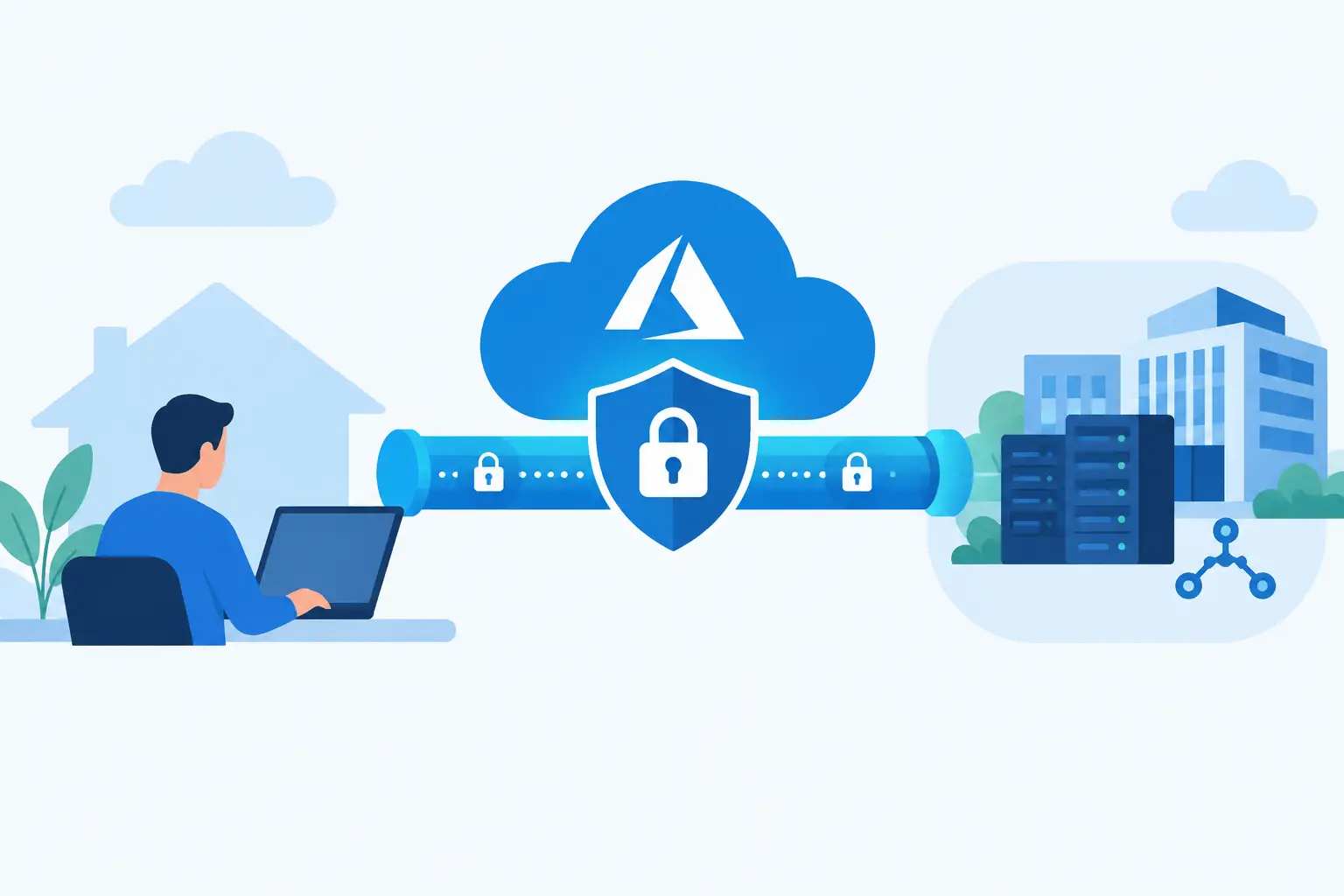
A production VPN connection is more than a tunnel that reports “Connected.” When you configure Azure VPN Gateway, you are defining how cloud workloads reach branch networks, data centers, partner environments, and remote users – and how those paths behave when networks overlap, routes change, or a gateway instance fails.
For most engineering teams, Azure VPN Gateway is a practical foundation for hybrid connectivity. It uses encrypted IPsec/IKE tunnels over the public internet, making it useful when ExpressRoute is unnecessary, unavailable, or still being evaluated. The work is less about clicking through a deployment wizard and more about making deliberate decisions about topology, address space, routing, availability, and operational ownership.
Choose the VPN design before creating resources
Azure VPN Gateway supports several connection patterns. Site-to-site VPN connects an Azure virtual network to an on-premises network appliance. Point-to-site VPN connects individual users or devices to Azure. VNet-to-VNet VPN connects Azure virtual networks, including networks in different regions.
Site-to-site is the common choice for a branch office or data center. Point-to-site works well for administrators, developers, and contractors who need controlled access without exposing management services publicly. VNet-to-VNet can be useful during phased cloud migrations, although native virtual network peering is usually the simpler and faster option when both networks are in Azure and peering requirements are met.
Start with the traffic requirement. A single site-to-site connection for internal application access has different needs than a hub virtual network carrying traffic for multiple spokes. In a hub-and-spoke design, the gateway normally lives in the hub. Spoke virtual networks use gateway transit so workloads can reach on-premises networks through that central connection. This reduces duplicated gateways and creates a clearer inspection and routing point, but it also makes the hub a critical shared dependency.

Address planning comes first. Azure address ranges must not overlap with on-premises ranges or with any connected virtual networks. An overlap can produce ambiguous routing that no gateway setting can safely fix. Reserve address space for growth, document every advertised prefix, and include future networks in the design review before deploying workloads.
Prepare the Azure network foundation
The gateway requires a dedicated subnet named `GatewaySubnet`. This name is mandatory. It is not a normal application subnet, and it should contain no virtual machines, private endpoints, or other workload resources.
Microsoft recommends leaving sufficient capacity for gateway services and future configuration changes. While a small subnet may work initially, a /27 or larger is a sensible planning baseline for many environments. Do not associate a network security group with GatewaySubnet unless you have a documented, tested reason and understand the required platform traffic. Restrictive rules can interrupt gateway control-plane behavior in ways that are difficult to diagnose.
Create a standard, static public IP address for the virtual network gateway. The public IP is the Azure endpoint your on-premises VPN device targets. It is separate from the private address space used by application resources.
Next, select a gateway SKU. This is a capacity, feature, and cost decision. Gateway SKUs determine supported throughput, connection counts, availability options, and capabilities such as zone redundancy. Avoid choosing solely on an estimated Mbps figure. Encrypted throughput varies with packet size, cryptographic settings, tunnel count, and gateway CPU demand. A gateway that is adequate for one site may become a bottleneck once multiple spokes, backup traffic, and database replication share it.
For production connectivity, favor a current generation SKU and evaluate zone-redundant deployment where the region supports availability zones. The added cost may be justified when private connectivity supports customer-facing systems or operationally critical services. For a development environment, a smaller SKU may be appropriate, provided the team accepts its limits and has a documented upgrade path.
How to configure Azure VPN Gateway for site-to-site access
Create the virtual network gateway with these core settings: select the target virtual network, choose VPN as the gateway type, select route-based VPN, attach the public IP address, and choose the required SKU and availability configuration.
Route-based VPN is the modern default for most deployments. It supports IKEv2 and works well with multiple connections, BGP, and dynamic routing scenarios. Policy-based VPN is intended for narrower compatibility cases with legacy devices. Do not select it unless the remote appliance requires it.
Gateway provisioning can take 30 minutes or longer. Treat this as infrastructure deployment, not an interactive task. Use infrastructure as code where possible so the gateway configuration, tags, public IP, diagnostic settings, and resource locks are reviewable and repeatable.
Once the Azure gateway is provisioned, create a local network gateway. Despite its name, this Azure resource represents the remote side: the public IP address or fully qualified domain name of the on-premises VPN device, plus the on-premises address prefixes reachable through it. If you use Border Gateway Protocol, also provide the remote BGP peer address and autonomous system number.
Then create the connection between the virtual network gateway and local network gateway. Configure a shared key that meets your organization’s secret-management policy. The key must match on both sides. Store it in an approved secret store rather than a deployment script, wiki page, or ticket comment.
On the on-premises firewall or VPN appliance, configure an IKEv2 IPsec tunnel to the Azure gateway public IP. Match the shared key, encryption and integrity algorithms, Diffie-Hellman group, and perfect forward secrecy settings. Azure offers default IPsec policies, but explicit policies can be useful when security standards require a specific cryptographic suite. The trade-off is compatibility: stricter settings can exclude older appliances or require a coordinated firmware update.
Use BGP when the network needs to evolve
Static routes are easy to understand for one or two fixed prefixes. They become harder to maintain as branch locations, virtual networks, disaster recovery paths, and acquisition-related networks accumulate. BGP lets Azure and the remote network exchange routes dynamically.
BGP is especially valuable in hub-and-spoke environments and active-active gateway designs. It can advertise new prefixes without manually updating every connection, and it provides better options for failover. It does not remove the need for route governance. Poor prefix filters can accidentally advertise overly broad routes, create asymmetric paths, or steer traffic to an unexpected network.
If BGP is not justified, keep static prefixes tightly scoped. Avoid adding `0.0.0.0/0` to a local network gateway merely to force all Azure outbound traffic through on-premises infrastructure. That design may be valid for centralized inspection, but it requires explicit route tables, firewall capacity planning, and a tested return path. Otherwise, it can break Azure service access or create expensive, inefficient hairpin traffic.
Validate routing, security, and failure behavior
A connected tunnel is only the first test. Validate from a workload subnet, not just from the gateway view. Confirm that a virtual machine can resolve required internal DNS names, reach approved private IP addresses, and receive return traffic through the intended path.
Inspect effective routes on representative network interfaces. This identifies whether Azure is selecting the VPN gateway, a virtual appliance, a peered network, or a more specific user-defined route. Network security groups and firewall policies should also be checked in both directions. A tunnel can be healthy while an application remains unavailable because a subnet rule blocks its port.
Test the conditions that tend to expose weak designs: restart the on-premises device, fail an ISP path if available, introduce a new allowed prefix, and test a workload in every connected spoke. For active-active configurations, verify that both tunnels carry traffic as expected. Document normal tunnel status, expected routes, and the owner responsible for remote-device changes.
Operate the gateway as a shared service
Enable diagnostic settings early. Connection and gateway diagnostics provide the evidence needed to distinguish a negotiation failure from a routing problem, a policy mismatch, or packet loss outside Azure. Send logs and metrics to the monitoring destination your operations team already uses, then define alert thresholds for tunnel disconnections, unusual data transfer patterns, and repeated IKE failures.
Review costs alongside performance. VPN Gateway charges include gateway hours and data processing, while log retention and downstream monitoring can add operational cost. Teams often discover these after a migration when replication, backups, or large file transfers begin crossing the tunnel. Measure actual traffic and decide whether traffic shaping, local caching, ExpressRoute, or a different application architecture is the better long-term answer.
Finally, keep a concise runbook. It should identify gateway and connection resources, public endpoint details, approved cryptographic settings, prefix inventories, escalation contacts, and safe validation commands. The best VPN design is not just encrypted – it is understandable enough that the next engineer can change it without turning a routine network update into an outage.