
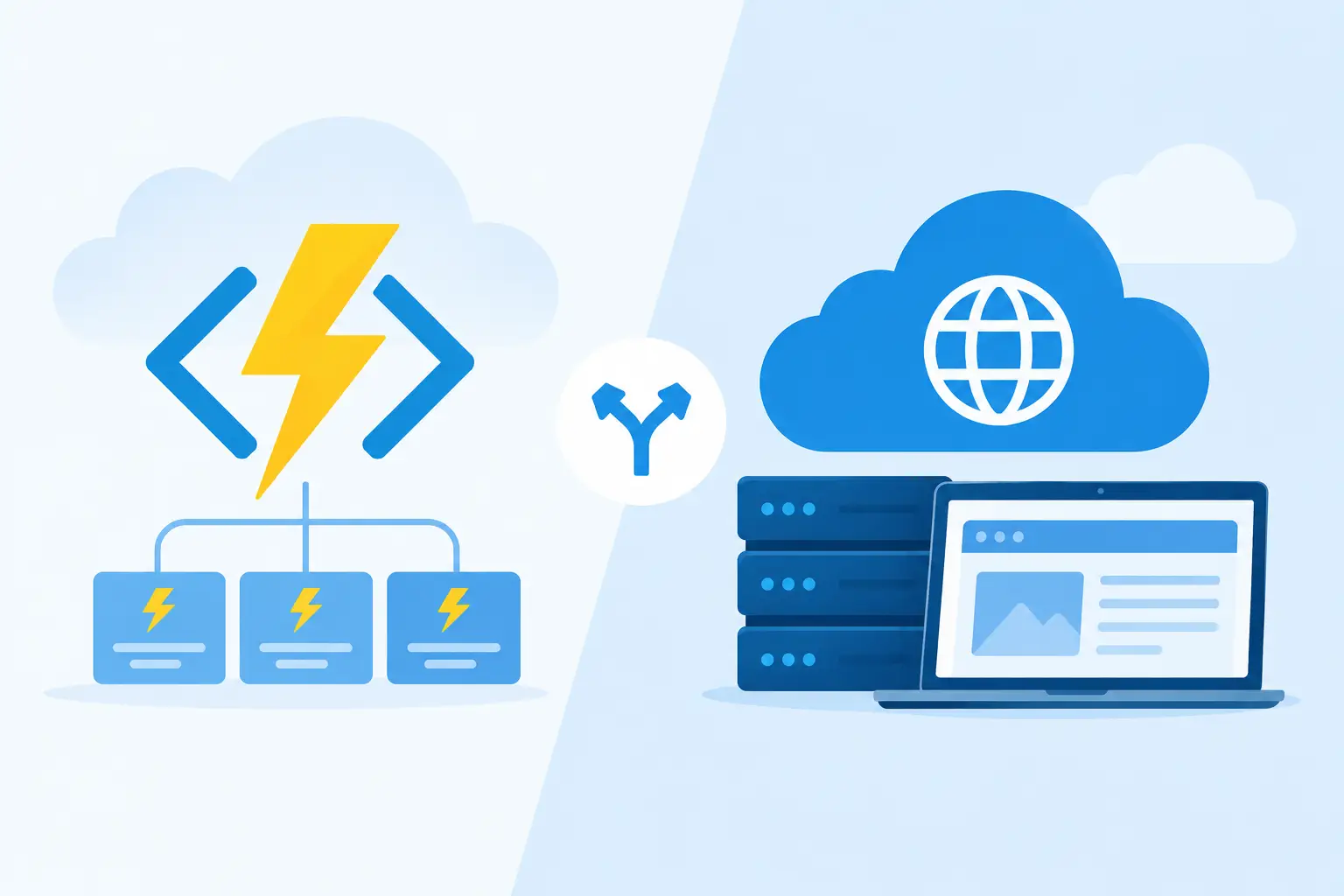
A small hosting decision can set the operating model for an entire application. When teams compare Azure Functions versus App Service, they are not simply choosing between two Azure products. They are deciding how code starts, scales, deploys, costs money, and behaves when demand is quiet one minute and intense the next.
Both services can power HTTP endpoints, connect to managed identities, integrate with Azure networking, and run production workloads. The right choice comes down to the shape of the workload and the degree of control your team needs.
Azure Functions versus App Service at a glance
Azure Functions is Azure’s serverless compute service. You write focused units of code called functions and attach them to triggers such as HTTP requests, queue messages, timers, Event Grid events, Service Bus messages, or blob updates. Azure manages much of the infrastructure behavior, including scaling in supported plans.
Azure App Service is a managed platform for hosting web applications, APIs, and backend services. Your application runs continuously as a web app, typically built with ASP.NET, Node.js, Java, Python, PHP, or a custom container. It gives teams more control over the application runtime, process behavior, deployment slots, and long-running web application patterns.
The simplest distinction is this: Functions is event-first, while App Service is application-first. That distinction is useful, but it is not absolute. A Function App can expose a full HTTP API, and an App Service application can process background work. Architecture needs a closer look than service labels suggest.


Choose Azure Functions for event-driven work
Azure Functions is strongest when a discrete event should cause a discrete action. A new file arrives in storage, a customer submits a form, a message enters a queue, or a scheduled task needs to run at midnight. Each event can activate a function without requiring a permanently running application server.
Consider an image processing workflow. A user uploads an image to Blob Storage, which triggers a function. The function validates the file, generates optimized image sizes, saves metadata, and publishes a message for another service. This design is naturally asynchronous and can scale with upload volume.
Functions is also a strong fit for integration work. It can translate events between systems, send notifications, enrich data, perform scheduled maintenance, or provide a narrow webhook endpoint. Its bindings reduce repetitive plumbing for many Azure services, letting teams focus on business logic.
Scaling and cost characteristics
On the Consumption plan, Functions can scale toward zero when no events are being processed. That can make it cost-effective for irregular workloads, prototypes, scheduled automation, and workloads with large idle periods. Flex Consumption and Premium options provide different scaling, networking, and startup characteristics for teams that need more predictable behavior.
Scaling is not free from design constraints. A sudden flood of queue messages may create significant parallelism, which can expose database connection limits, API rate limits, or dependencies that cannot handle bursts. Functions can scale the compute layer quickly, but the surrounding architecture still needs back-pressure, idempotency, retry policies, and dead-letter handling.
Cold starts are another practical consideration. Consumption-based serverless applications can have startup latency after inactivity, especially for larger dependency graphs. For user-facing, latency-sensitive APIs, a Premium plan, Flex Consumption configuration, or App Service may be a better operational fit.
Where Functions can become awkward
A Function App can grow into a complex system if it becomes the home for every API route, business workflow, and background process. Developers may end up with shared dependencies, tightly coupled functions, hard-to-trace execution paths, and configuration spread across triggers and bindings.
Long-running or stateful processes also need care. Durable Functions can orchestrate multi-step workflows, including retries and human approval steps, but they introduce orchestration concepts that teams must understand and monitor. They are powerful when the workflow truly needs stateful coordination, not a shortcut for placing an ordinary web application into a function project.
Choose App Service for full web applications and APIs
App Service is often the clearer choice when you are hosting a conventional web application, a long-lived REST or GraphQL API, an internal business portal, or a backend-for-frontend layer. The application process is always available within the selected plan, and the platform is designed around standard web hosting behavior.
For example, an ASP.NET Core API with authentication middleware, OpenAPI documentation, versioned routes, structured logging, dependency injection, health checks, and many related endpoints usually maps cleanly to App Service. Your team can organize the codebase around familiar application layers rather than individual triggers.
App Service also makes sense when the application requires connection affinity, predictable warm capacity, custom startup behavior, or a broad web framework ecosystem. It supports deployment slots, which enable teams to validate a release in a staging environment and swap it into production with less disruption. That is especially valuable for customer-facing applications where release discipline matters as much as compute cost.
Scaling and operational control
App Service plans define the compute resources available to one or more apps. You choose an SKU with a particular level of CPU, memory, features, and scaling capability. Autoscale rules can add or remove instances based on metrics or schedules, but capacity does not normally disappear to zero in the same way as a consumption-based function workload.
That baseline cost is often worth it. A business-critical API that receives steady traffic needs predictable response times, not merely low idle cost. App Service provides an operational model many teams already know: deploy an application, configure environment settings, run multiple instances, observe health, and scale when needed.
The trade-off is that App Service does not automatically turn every incoming event into a purpose-built handler. You need to build more background processing infrastructure yourself, such as a queue consumer hosted in the application, a separate worker service, or a companion Function App. For a heavily event-driven platform, that can add unnecessary complexity.
Security, networking, and deployment considerations
Neither platform should be selected on security claims alone. Both can use managed identities, Azure Key Vault references, private endpoints, virtual network integration, application settings, and Azure Monitor tooling. The practical question is which service lets your team apply those capabilities consistently.
Functions requires particular discipline around trigger exposure. An HTTP-triggered function needs appropriate authentication and authorization just like any API endpoint. Queue and event triggers need least-privilege access to their source services. Because functions are often small and numerous, teams should standardize naming, identity assignment, logging fields, and secret handling early.
App Service benefits from mature web application patterns, but that does not remove risk. Teams still need strong authentication, dependency patching, secure headers, input validation, network restrictions, and deployment controls. If several applications share an App Service plan, understand the cost and isolation implications of that shared environment.
For deployments, both services work well with CI/CD pipelines and infrastructure as code. App Service deployment slots may be decisive when blue-green-style release flow is central to your process. Functions can be equally effective for frequent small releases, provided the team tests trigger behavior, configuration changes, retries, and event contracts as part of the pipeline.
A practical decision framework
Start with how work arrives. If the system is activated by messages, schedules, storage events, or short-lived integrations, Functions is usually the natural first option. If users and client applications need a continuously available web experience or cohesive API surface, App Service is usually the stronger default.
Next, examine traffic shape. Unpredictable bursts with long idle periods favor serverless economics. Stable traffic, strict latency expectations, and always-on API behavior often justify an App Service plan. Then assess execution duration and dependency behavior. Short, independently scalable tasks suit functions; a rich application runtime with shared middleware and many endpoints suits App Service.
Finally, consider team ownership. A platform team comfortable with event-driven architecture, distributed tracing, queues, and retry semantics can get substantial value from Functions. A product team maintaining a conventional web service may deliver more safely and quickly with App Service. Choosing the service that matches your operating skills is often smarter than choosing the service with the most attractive pricing model.
The best architecture may use both
This is not always an either-or decision. A common Azure architecture hosts the public API in App Service and uses Azure Functions for background tasks. The API accepts an order, stores the transaction, and places work on a queue. A function then sends confirmation emails, updates downstream systems, generates documents, or processes analytics events.
That separation protects the customer-facing request path from slower downstream work. It also lets each component scale according to its real demand. The API can maintain predictable capacity, while event handlers expand during a backlog and contract when processing is complete.
Treat Azure hosting as an architectural choice, not a branding choice. Start with the workload’s trigger, latency target, runtime needs, and failure modes, then choose the service that makes those realities easiest to operate six months from now.