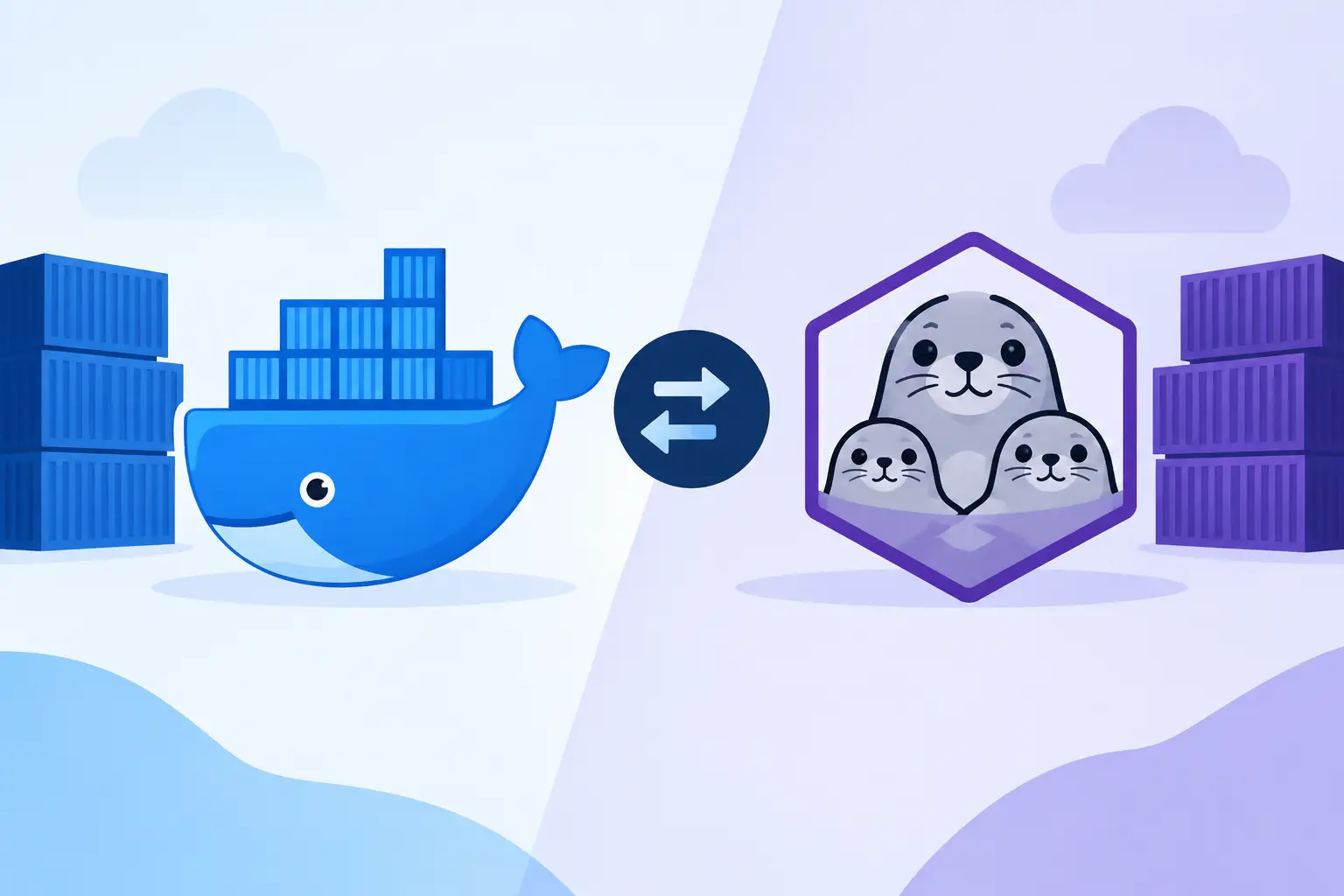
A container command can look identical whether it runs through Docker or Podman. The real difference appears after that command reaches a laptop, a CI runner, or a production host. In the Docker vs Podman containers decision, teams are choosing more than a CLI: they are choosing an operational model for building images, managing privileges, supporting developers, and integrating with the rest of the delivery pipeline.
Both tools use Open Container Initiative standards, so they can generally build, run, and distribute the same container images. A team does not need to rewrite an application to move between them. The decision is usually shaped by security requirements, existing tooling, Kubernetes adoption, local-development expectations, and the operational skills available to support the platform.
Docker vs Podman Containers: The Core Difference
Docker is centered on a client-server architecture. The Docker CLI communicates with the Docker daemon, which manages images, networks, volumes, and running containers. That model has been widely adopted across developer workstations, CI systems, documentation, and third-party tooling. For many teams, Docker is the familiar default because the command set, Compose workflow, and ecosystem are already part of daily work.
Podman takes a daemonless approach. Each Podman command interacts with containers directly rather than sending requests to a long-running central daemon. Podman can run containers as a regular user, and its architecture is designed around tighter integration with Linux systems and Kubernetes-style concepts. It also supports a Docker-compatible command interface, which can reduce friction when adapting scripts.
The contrast is not simply centralized versus decentralized. Docker’s daemon provides a mature, consistent management layer that many tools expect. Podman’s design reduces dependence on a privileged background service and can make process ownership and system-level troubleshooting more transparent. Neither model automatically makes an environment safer or easier to operate. The surrounding configuration still matters.

Architecture and Security Implications
Docker traditionally relies on a daemon that often runs with elevated privileges. Modern Docker installations provide rootless mode and other protections, but teams must intentionally configure and maintain them. On developer machines, Docker Desktop also packages a broader experience around the engine, including a graphical interface and virtualized Linux environment where needed.
Podman was built with rootless containers as a first-class workflow. A developer can run a container under their own user account without granting broad control over a daemon. This limits the blast radius of many common mistakes. It is especially attractive on shared Linux hosts, academic environments, regulated infrastructure, and organizations that want to minimize persistent privileged services.
Rootless does have practical constraints. Low-numbered ports, user namespace mappings, mounted volumes, and networking behavior can require additional setup. A rootless container is not a substitute for image scanning, secret management, runtime policy, or timely patching. Treat it as one meaningful control within a defense-in-depth strategy.
Podman also manages containers as ordinary processes. Administrators can inspect them with familiar Linux tools and connect them to systemd for service management. That can simplify long-running services on Linux servers. Docker offers mature service management patterns too, but Podman’s process model often feels more natural for teams operating close to the host OS.
Developer Experience and Ecosystem Fit
Docker’s biggest advantage is ecosystem gravity. Developers can find a Docker example for almost every framework, database, test suite, and local development pattern. Docker Compose remains a common way to define a multi-container environment with an application, database, cache, and supporting services. Docker Desktop provides a polished path for macOS and Windows developers, where Linux containers need a managed virtualization layer.
Podman provides `podman run`, `podman build`, and related commands that closely resemble Docker commands. In many shell scripts, replacing `docker` with `podman` works with little or no change. Podman can also expose a compatible API socket for tools that expect Docker’s API. That compatibility makes phased adoption possible rather than forcing a team to change every workflow at once.
Still, command similarity should not be confused with complete behavioral parity. Compose compatibility, networking edge cases, volume permissions, and extensions can differ by platform and version. If a team depends on advanced Compose behavior or a vendor tool that assumes a Docker daemon, validate the full workflow before standardizing on Podman.
For local development, the operating system matters. Linux-based teams often gain the most direct benefit from Podman’s native integration. Teams with many Windows and macOS users may find Docker Desktop easier to roll out and support, though Podman Desktop and Podman machine-based workflows are viable alternatives. The best experience is the one that lets developers start, test, and debug the application without becoming container-runtime specialists.
Images, Builds, and CI/CD
Both platforms work with OCI-compatible images and registries. A Docker-built image can run in Podman, and a Podman-built image can run under Docker or on a Kubernetes cluster, provided the image follows portable conventions. This interoperability protects teams from being trapped by the choice of local runtime.
Docker’s BuildKit and Buildx tooling are strong options for advanced builds, including cache exports, multi-platform images, build secrets, and remote builders. These capabilities matter when an organization ships images for multiple CPU architectures or needs fast, repeatable builds at scale.
Podman uses a toolchain closely associated with Buildah and Skopeo. Buildah focuses on image construction, while Skopeo handles image inspection and transfers between registries without requiring a local daemon. This separation appeals to teams that want composable Linux-native tooling in CI environments. Podman’s `podman build` command provides a familiar front door while preserving that modular approach.
In CI/CD, the practical question is often less about the runtime and more about the runner model. Docker-based pipelines may require access to a Docker socket or a Docker-in-Docker setup, both of which need careful privilege management. Podman can be a cleaner fit for rootless Linux runners because it does not depend on a central daemon. Yet a pipeline already built around Docker Buildx, Compose-based integration tests, or managed Docker runners may have little reason to change immediately.
| Area | Docker | Podman | | — | — | — | | Runtime model | Client communicates with a daemon | Daemonless, process-oriented commands | | Rootless operation | Supported, with configuration considerations | First-class design goal | | Local tooling | Very broad ecosystem and mature Desktop experience | Strong Linux integration and compatible CLI | | Multi-container workflow | Compose is widely adopted | Compose support is available, but validate compatibility | | Kubernetes alignment | Common image-build and local workflow choice | Pods and generated Kubernetes YAML are natural strengths |
Kubernetes and Production Operations
Neither Docker nor Podman is the container orchestrator for a large production cluster. Kubernetes commonly uses OCI-compatible runtimes such as containerd or CRI-O beneath the orchestration layer. The key benefit is portability: an image created with either Docker or Podman can move into a Kubernetes deployment without changing the application packaging model.
Podman’s concept of a pod is particularly useful for developers learning Kubernetes. A Podman pod groups related containers that share networking and can be exported into Kubernetes-oriented YAML. It is not a replacement for testing on a real cluster, but it helps make the relationship between local containers and Kubernetes workloads more concrete.
Docker remains highly relevant in production-adjacent workflows because its image format, commands, examples, and build tooling are so widespread. A platform team may use Docker locally, build with BuildKit in CI, publish to a registry, and deploy to Kubernetes using a different runtime. That is a normal and effective architecture.
How to Choose Between Docker and Podman
Choose Docker when your team benefits most from established conventions, extensive vendor support, Docker Compose workflows, and a highly familiar desktop experience. It is often the lower-friction choice for cross-platform product teams, onboarding-heavy organizations, and projects that rely on existing Docker-centric automation.
Choose Podman when rootless operation, Linux host integration, daemonless design, or Kubernetes-aligned local workflows are primary requirements. It is particularly compelling for security-conscious DevOps teams, Linux server environments, and organizations that prefer standard OS process and service-management patterns.
A mixed approach can also be sensible. Developers may use Docker Desktop on macOS and Windows, while Linux CI runners use Podman for rootless builds. What matters is defining supported commands, image conventions, registry policies, and test environments so that runtime differences do not become release-time surprises.
Before making a broad change, run a small proof of concept with a real service. Build the image, run integration tests, mount the same development volumes, publish it to the intended registry, and deploy it through the normal pipeline. The runtime that creates the fewest operational exceptions for that complete path is the one worth standardizing on.