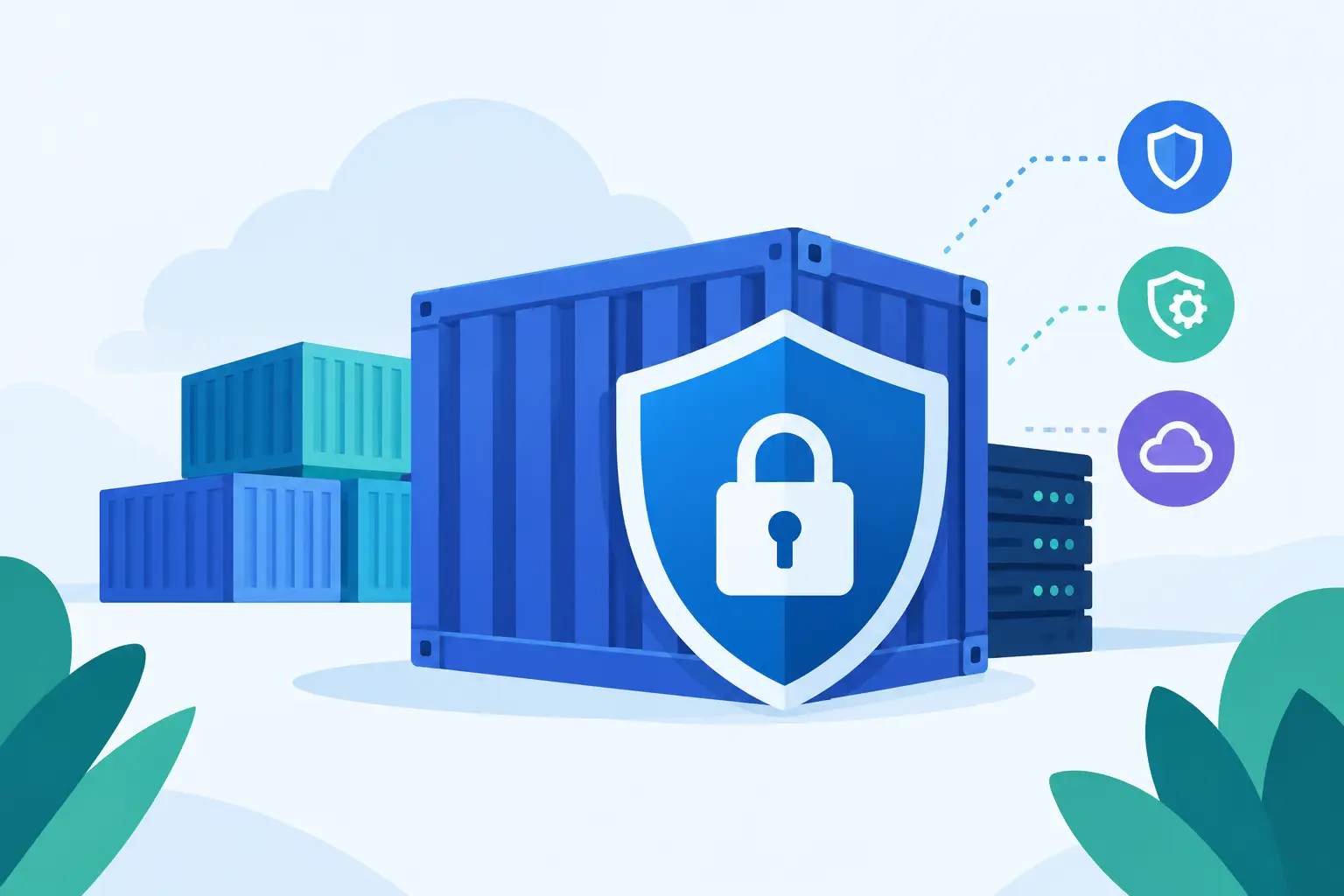
A container image can reach production carrying far more than your application code. It may include an outdated operating system package, a vulnerable language dependency, an exposed secret, or a build artifact no one intended to ship. That is why learning how to secure container images is not a one-time scanning task. It is a delivery-pipeline discipline that begins before a developer writes a Dockerfile and continues through deployment.
Containers improve consistency, but they also package risk into a highly portable artifact. When that artifact is copied between developer laptops, CI runners, registries, clusters, and environments, teams need confidence that it is trusted, inspected, and unchanged.
Start With a Minimal, Trusted Base Image
Every image has a supply chain, beginning with its base image. A Dockerfile that starts from a broad, unmaintained, or unofficial image inherits its packages, configuration choices, and known vulnerabilities. Convenience can quietly become production exposure.
Choose base images from reputable publishers and approved internal registries. Prefer small images that include only what the application requires. Fewer packages generally mean a smaller attack surface, faster pulls, and fewer vulnerabilities for the security team to evaluate. Distroless and minimal distribution images can be useful options, but they are not automatically the right choice. They may complicate debugging because common shell tools are absent.
Pin base images by immutable digest rather than relying only on mutable tags such as `latest` or even `node:20`. A tag can be updated to point to different content without changing your Dockerfile. A digest identifies the exact image version tested by your pipeline. Teams can still track approved updates, but they should do so deliberately through dependency update workflows instead of accepting silent changes.
Base image maintenance needs ownership. Establish a process for reviewing image updates, rebuilding applications when critical vulnerabilities are disclosed, and retiring unsupported runtime versions. An image that was safe six months ago may not be safe after a new CVE affects its underlying packages.
Build Images That Contain Only What You Need
Secure image design is largely about reducing what can go wrong. Avoid treating a container like a small virtual machine. It should run one focused workload with the minimum runtime dependencies needed for that workload.
Multi-stage builds are one of the most effective ways to accomplish this. Compile code, install build tools, and run tests in a builder stage, then copy only the compiled output and required runtime files into the final stage. This keeps compilers, package manager caches, source files, and temporary credentials out of the deployed image.
Run processes as a non-root user whenever the application allows it. Root inside a container is not equivalent to unrestricted root on the host, but it can still increase the impact of a container escape, a misconfiguration, or an overly permissive runtime environment. Set ownership intentionally, define a non-root `USER`, and verify that the application can read and write only the paths it needs.
Also remove common sources of accidental disclosure. Do not copy `.env` files, private keys, local configuration, test fixtures, or dependency caches into the build context. A carefully maintained `.dockerignore` file matters because `COPY . .` is convenient and frequently too broad. Secrets should be injected at build time through protected mechanisms when truly necessary, and supplied at runtime through a dedicated secret-management system rather than baked into image layers.
How to Secure Container Images With Automated Scanning
Vulnerability scanning belongs in continuous integration, not as a manual review before a release. Scan images after the build, scan their dependencies when possible, and scan the base images used across the organization. The goal is to identify risk early, while a developer can still update a package or adjust a Dockerfile without an emergency deployment.
A useful scanner evaluates operating system packages, language dependencies, exposed secrets, malware indicators, and configuration issues. No scanner is perfect, and raw vulnerability counts can be misleading. A high-severity CVE in a package that is not reachable by your application may deserve a different response than an actively exploited flaw in an internet-facing library.
Set policies that account for severity, exploitability, available fixes, and deployment context. For example, blocking releases for critical vulnerabilities with known fixes is reasonable for many production services. Failing every build for all medium findings can produce alert fatigue, especially when no fix exists. The better approach is to establish clear exceptions with an owner, an expiration date, and a documented mitigation.
Scanning also needs to happen repeatedly. A clean image can become vulnerable when threat intelligence changes. Scheduled registry scans and automated rebuilds help teams discover newly reported issues in artifacts that are already deployed.
Generate an SBOM and Record Provenance
A software bill of materials, or SBOM, lists the components included in an image. It gives engineering and security teams a practical answer when a new vulnerability appears: Which services contain the affected library, and which image versions are running?
Generate an SBOM during the build and store it alongside the image artifact. Use a standard format that your security tooling can consume, and make it available to incident responders. An SBOM is not a security control by itself, but it shortens the time required to assess exposure and prioritize remediation.
Provenance answers a related question: where did this image come from? Capture the source revision, build system, build time, dependency inputs, and identity of the pipeline that produced it. This creates an audit trail and helps prevent an unverified local build from being mistaken for a production release.
The strongest pattern is to make the CI system the only approved producer of production images. Developers can build locally for testing, but release artifacts should be generated from protected branches, tested in an automated pipeline, and published to a controlled registry.
Sign Images and Enforce Verification at Deployment
A private registry alone does not prove that an image is trustworthy. Credentials can be misused, repositories can be misconfigured, and image tags can be overwritten. Image signing provides a stronger integrity check by allowing the cluster or deployment platform to verify that an artifact was produced by an approved identity.
Sign images after they pass the required build and security checks. Then configure admission policies to reject unsigned images, images from unapproved registries, or images that do not meet organizational rules. Verify signatures by digest, not just by tag, so the deployed workload matches the exact artifact that was approved.
Policy enforcement is where secure practices become reliable practices. Without it, a rushed deployment can bypass scanning or pull an image directly from a public registry. Start with audit-only policies if your environment has legacy workloads, then move critical namespaces to enforcement after teams have time to resolve violations.
Protect the Registry and the Delivery Path
Registries are production infrastructure. Restrict who can push, delete, promote, or modify image repositories. Use role-based access controls, separate development and production repositories, and require strong authentication for CI service accounts. Service accounts should have narrowly scoped permissions rather than broad registry administration rights.
Enable immutable tags where they fit your release process. Immutable tags prevent a version such as `release-2026-10-04` from being silently replaced with different content. For deployments, use image digests to remove ambiguity entirely.
Keep registry retention policies in balance. Retaining every artifact forever increases storage costs and leaves old, vulnerable images available for accidental use. Deleting everything quickly can make rollback and forensic investigations harder. Preserve signed release artifacts and their metadata for a defined period, while regularly removing untagged build leftovers.
Treat Runtime Security as the Final Check
An image can be carefully built and still run with unsafe privileges. Kubernetes and other orchestrators need runtime guardrails that limit what a compromised container can do.
Use read-only root filesystems where practical, drop unnecessary Linux capabilities, prevent privilege escalation, and avoid privileged containers. Apply network policies so a service can reach only the systems it genuinely needs. Resource limits also help contain noisy or compromised workloads that attempt to consume CPU or memory.
Runtime monitoring adds visibility after deployment. Watch for unexpected process execution, unusual outbound connections, writes to sensitive paths, or containers starting from unapproved images. These signals do not replace prevention, but they can reveal an attack or misconfiguration that passed earlier controls.
Container image security works best when it is built into normal engineering flow: approved bases, lean Dockerfiles, automated scans, traceable builds, signed releases, and enforced deployment policies. Start with the controls your team can consistently operate, then strengthen them as your pipeline matures. A secure image is not merely one with fewer findings – it is an artifact your team can identify, verify, update, and trust when production pressure is highest.