
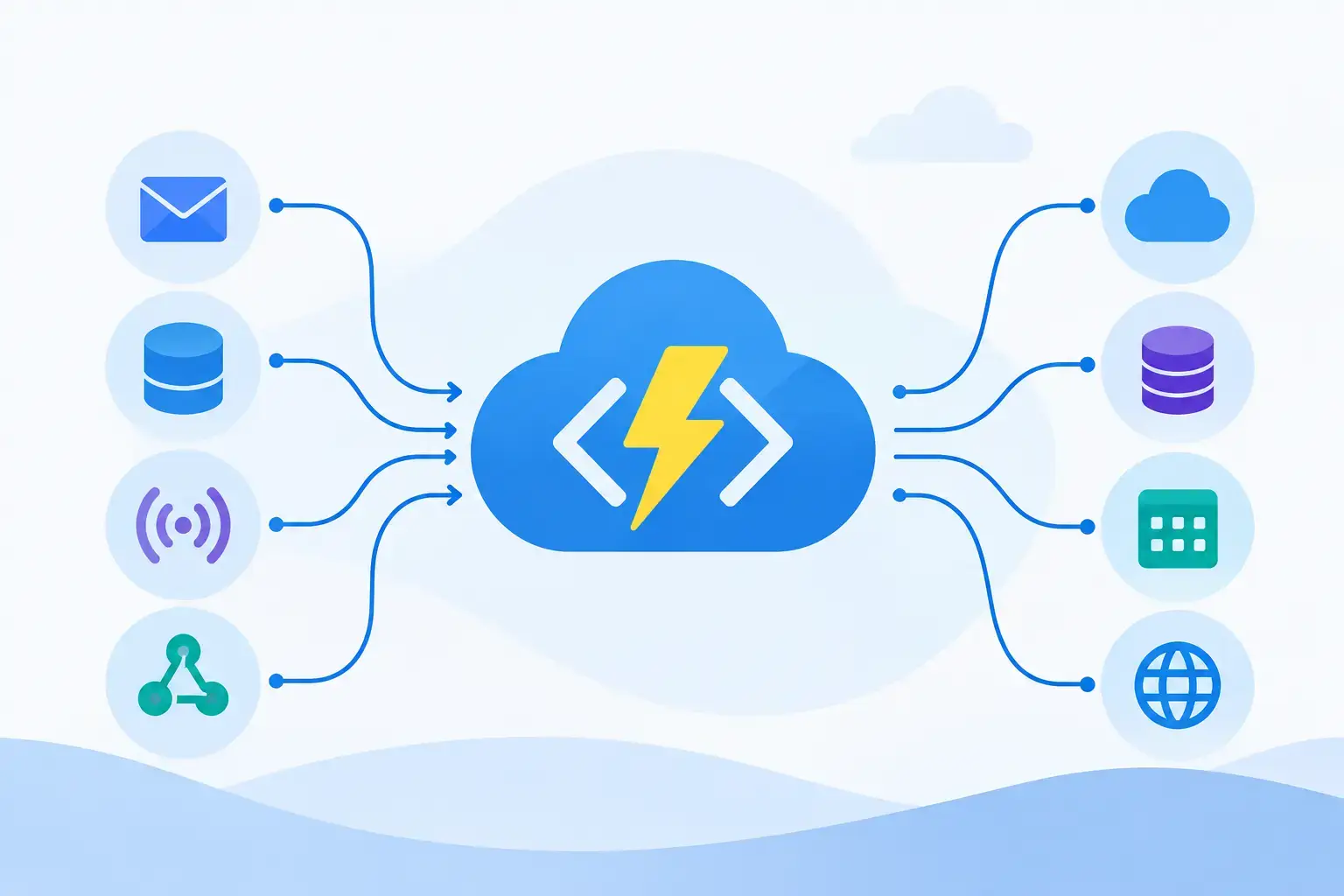
A file lands in Blob Storage, a payment provider posts a webhook, or a message arrives on a queue. The code that responds may take only a few seconds to run, but it still needs reliable scaling, monitoring, security, and deployment controls. Azure Functions is Microsoft’s serverless compute service for exactly these moments: executing code in response to events without requiring teams to provision and continuously manage application servers.
For development teams, the appeal is not simply fewer servers. The real advantage is a model that makes small, event-driven units of work easier to build, operate, and connect to the rest of an Azure-based system. It is a strong fit for many workloads, but it is not a universal replacement for APIs, containers, or long-running services.
What Azure Functions Actually Does
Azure Functions runs small pieces of application code called functions. Each function is activated by a trigger, such as an HTTP request, a timer schedule, a Service Bus message, an Event Grid event, or a Blob Storage update. The function can then use bindings to read from or write to connected services with less plumbing code.
A practical example is invoice processing. An application uploads a PDF to a storage container. That upload triggers a function, which extracts metadata, saves a processing record to a database, and sends a message to a queue for downstream validation. No web server needs to sit idle waiting for uploads. Capacity can expand when a large batch arrives and contract when activity slows.
This event-first model changes how teams think about application boundaries. Rather than building one large service responsible for every stage of a workflow, they can create focused components that react to clearly defined events. That can improve maintainability, especially when functions have narrow responsibilities and well-managed contracts.


The Core Building Blocks
Every Azure Functions application begins with a function app, the deployment and hosting unit that contains one or more individual functions. Functions can be developed with several languages, including C#, JavaScript and TypeScript, Python, Java, PowerShell, and custom handlers for other runtimes.
Triggers determine when code runs. HTTP triggers support lightweight APIs, webhook receivers, and backend endpoints. Queue and Service Bus triggers support asynchronous processing. Timer triggers handle recurring work such as report generation or data cleanup. Event Grid triggers are useful when applications need to react quickly to resource and business events.
Bindings reduce the repetitive code needed to connect a function to Azure services. An input binding can bring a queue message or storage object into the function, while an output binding can write a result to a queue, database, or event stream. Bindings speed up common integration work, but they should not obscure critical business logic or error handling. For complex workflows, using an SDK directly may provide better control and clearer behavior.
Choosing the Right Hosting Plan
The hosting plan is one of the most consequential Azure Functions decisions because it affects cost, scale behavior, networking, startup performance, and operational constraints.
The Consumption plan is designed for automatic scale and pay-per-execution economics. It works well for irregular, event-driven work where low operational overhead matters more than consistently warm instances. The trade-off is that cold starts and execution constraints can affect latency-sensitive applications.
The Premium plan adds features such as pre-warmed instances, more predictable performance, virtual network integration, and longer execution options. It is often a better choice for production workloads that need reduced startup latency, private resource access, or steady throughput without managing a full App Service environment.
Dedicated plans run function apps on App Service plan capacity. They can make sense when an organization already has reserved App Service resources or needs tighter control over instance allocation. They are less compelling when the main goal is pure event-driven elasticity.
There is no single best plan. A nightly batch job, a public webhook endpoint, and a private Service Bus processor may each have different requirements. Assess invocation volume, latency expectations, network boundaries, duration, and failure behavior before treating serverless as automatically inexpensive.
Where Azure Functions Fits Best
Azure Functions is particularly effective when work begins with an event and can be divided into independent executions. Common use cases include data transformation pipelines, scheduled maintenance tasks, IoT telemetry processing, notification services, image and document processing, webhook integration, and queue-based background jobs.
It also works well as a glue layer between managed services. A function can receive an event, validate it, enrich it with data from another system, and publish a new event for the next stage. This pattern keeps systems loosely coupled and helps teams scale different workflow stages independently.
HTTP-triggered functions can expose APIs, but that does not mean every API should be implemented as a collection of functions. A conventional web application or containerized API may be easier to manage when it has complex routing, extensive middleware, persistent connections, or a consistently high request rate. The decision depends on workload shape, not on whether serverless is newer or more fashionable.
Design Functions for Failure, Retries, and Idempotency
Cloud events are not guaranteed to arrive exactly once. A message may be retried after a timeout, a host may restart during processing, or an upstream system may resend a webhook. Production-ready function code must assume that duplicate delivery and partial failure are possible.
Idempotency is the key defense. A function should be able to process the same event more than once without creating duplicate payments, duplicate notifications, or conflicting database records. Teams commonly achieve this by storing an event identifier, using unique database constraints, or designing updates as safe upserts rather than blind inserts.
Retries require equally deliberate handling. Retrying a temporary database outage is sensible. Retrying malformed input dozens of times only adds noise and cost. Use retry policies for transient failures, route poison messages to a dead-letter path, and capture enough context for operators to diagnose the cause without exposing sensitive data.
For multi-step stateful processes, Durable Functions can be a better option than manually coordinating function calls and status records. Durable Functions supports orchestrations that manage checkpoints, retries, fan-out and fan-in patterns, and human approval waits. It introduces another abstraction to learn, so use it when workflow state genuinely warrants it rather than for a simple one-step event handler.
Build for Observability From the First Deployment
A function that scales automatically can also fail at scale. Logging and telemetry are therefore part of the application design, not a production afterthought. Azure Functions integrates with Application Insights, giving teams visibility into invocations, dependencies, exceptions, execution duration, and failure rates.
Use structured logs that include a correlation ID, event ID, operation name, and meaningful business context. Avoid logging tokens, personal data, raw payment details, or full message payloads unless there is a defensible security reason and a clear retention policy.
Monitoring should focus on user and system impact. Track failed executions, queue age, dead-letter activity, dependency latency, throttling, and end-to-end processing time. An invocation count alone does not reveal whether a customer request is stuck behind a growing queue or whether downstream services are slowing the pipeline.
Security and Deployment Practices That Hold Up
Treat a function app like any other production workload. Store secrets in Azure Key Vault or use managed identities where supported instead of keeping credentials in application settings or source control. Apply least-privilege access to storage accounts, queues, databases, and management resources.
For HTTP endpoints, choose an authentication strategy that fits the audience. Function keys can be useful for limited internal scenarios, but they are not a full identity solution. Public APIs commonly need API Management, OAuth-based identity controls, rate limits, request validation, and centralized policy enforcement.
Deploy through automated pipelines, use separate environments, and keep configuration outside the code package. Infrastructure as code helps prevent configuration drift across development, test, and production environments. It also makes reviews of networking, identity permissions, and monitoring settings part of the normal engineering workflow.
A Better Starting Point for Teams
Start with one event-driven workflow that is currently burdened by polling, scheduled scripts, or a background service that spends much of its time waiting. Define the trigger, the expected throughput, acceptable latency, failure path, and the data needed for idempotency before writing the function.
Azure Functions delivers the most value when it removes unnecessary infrastructure without hiding architectural responsibility. Keep each function focused, make failures visible, and choose the hosting model based on real operational needs. That approach gives teams a practical foundation for building cloud systems that respond quickly without becoming difficult to operate.