
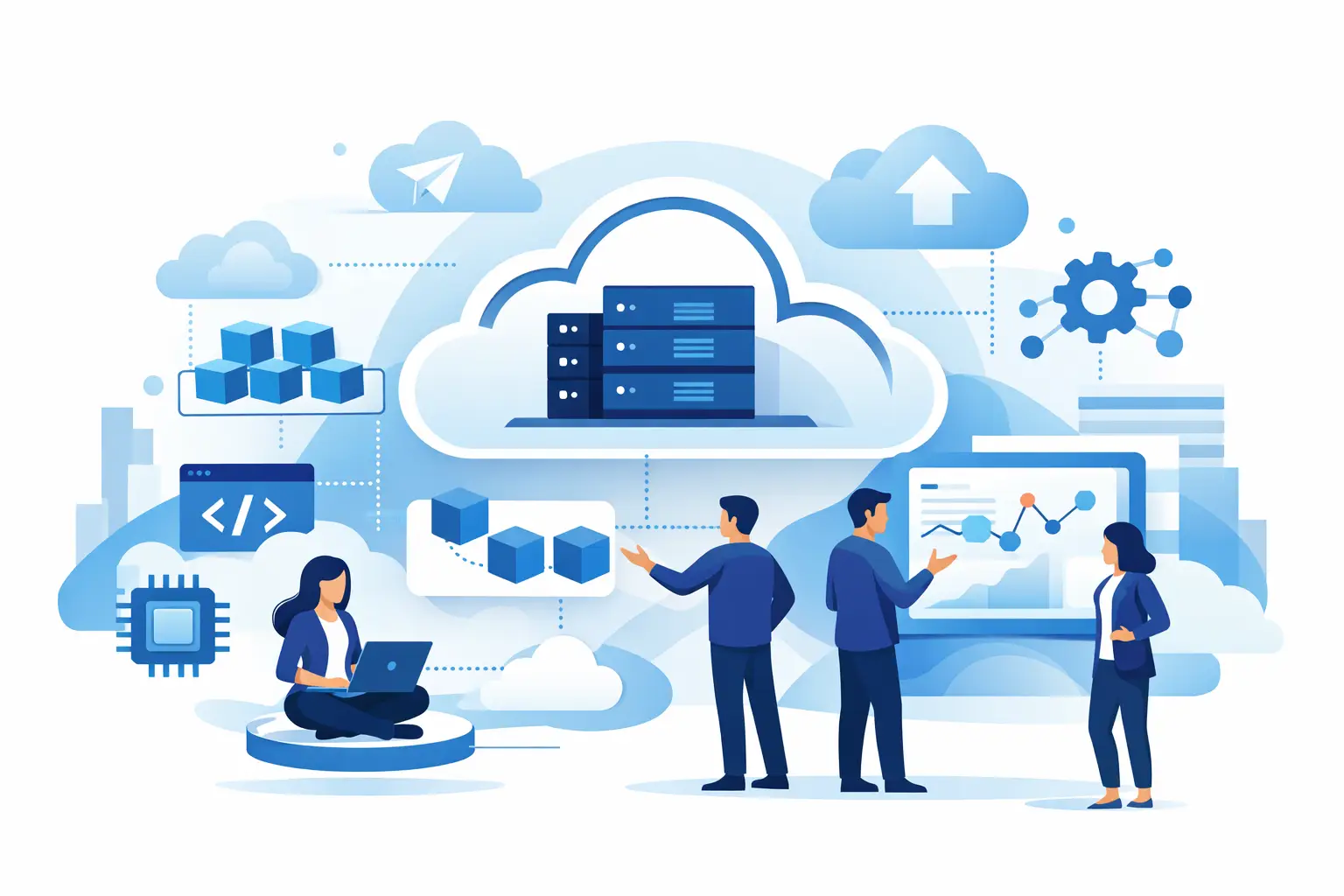
A release that requires a weekend maintenance window, a full application restart, and three teams coordinating handoffs is usually signaling an architectural problem. Cloud native architecture explained in practical terms is a way of designing software so teams can change, scale, recover, and operate applications without treating every deployment as a high-risk event.
It is not simply “running an app in the cloud.” A virtual machine hosted by a cloud provider can still depend on manual server configuration, tightly coupled releases, and a single database that becomes a bottleneck. Cloud-native architecture changes both the technical design and the operating model around it.
What cloud-native architecture actually means
Cloud-native architecture is an approach to building and running applications that takes advantage of cloud infrastructure’s on-demand capacity, managed services, automation, and distributed nature. Applications are commonly packaged in containers, deployed through automated pipelines, monitored continuously, and designed to tolerate component failures.
The goal is not to maximize the number of services or introduce Kubernetes everywhere. The goal is to make software easier to evolve and safer to operate as demand, teams, and product requirements change.
A cloud-native system usually relies on a few connected ideas. Workloads are packaged consistently, infrastructure is defined in code, deployments are automated, and application components communicate through clearly defined interfaces. Rather than assuming a server will run forever, the system assumes instances can disappear, networks can fail, and traffic can change quickly.

That mindset matters because cloud platforms make infrastructure flexible, but flexibility alone does not create reliability. A team still needs architecture and operational practices that use that flexibility well.
The building blocks behind cloud-native systems
Containers provide a consistent runtime
Containers package an application with the libraries and runtime dependencies it needs. This reduces the classic gap between a developer’s laptop, a test environment, and production. A container image does not eliminate configuration problems, but it creates a repeatable unit that can be tested, scanned, versioned, and deployed.
Containers are useful even for a modular monolith. A team does not need microservices to gain value from standardizing builds and runtime environments.
Orchestration manages changing workloads
Container orchestration platforms, most commonly Kubernetes, schedule containers across available compute resources and maintain the desired number of running instances. If an instance fails, the platform can replace it. If traffic increases, autoscaling rules can add capacity.
Kubernetes is powerful, but it also adds a meaningful operational layer. Managed Kubernetes can reduce infrastructure work, while serverless containers or platform-as-a-service offerings may be a better fit for smaller teams. The architecture should follow operational needs, not tool popularity.
Microservices are an option, not a requirement
Cloud-native discussions often jump straight to microservices. A microservice architecture separates a system into independently deployable services aligned with business capabilities, such as billing, identity, or order processing. This can let teams release changes independently and scale a busy function without scaling the entire application.
The trade-off is distributed-system complexity. Teams must handle network timeouts, service discovery, API compatibility, data consistency, tracing, and more deployment pipelines. A well-structured monolith can be the right first step, especially when the domain, team structure, or traffic level does not justify multiple services.
APIs and events define component boundaries
Cloud-native components need explicit contracts. Synchronous APIs are useful when one service needs an immediate response. Event-driven communication works well when a component can publish a fact, such as `OrderPlaced`, and other components can react independently.
Events can improve decoupling and absorb traffic spikes through queues or streams. They also make data flow less obvious and introduce eventual consistency. If a customer submits an order and inventory updates a few seconds later, the product experience and failure handling must reflect that reality.
Infrastructure as code makes environments repeatable
Infrastructure as code uses version-controlled definitions to provision resources such as networks, databases, permissions, load balancers, and compute services. Instead of relying on a sequence of console clicks, teams can review infrastructure changes, test them, and recreate environments consistently.
This is a major operational benefit. It reduces configuration drift and creates an auditable record of how an environment was assembled. It also requires discipline around secrets, state management, access controls, and change review.
Why cloud-native architecture changes application design
Traditional applications often treat infrastructure as stable. A server is configured, monitored, and expected to stay available for months or years. Cloud-native applications treat compute instances as replaceable. That changes how developers write and operate software.
Application state should generally live outside individual containers. User sessions, uploaded files, and shared caches belong in purpose-built services rather than local disk or memory. Configuration should be injected at runtime rather than hard-coded into an image. Health checks should distinguish between a process that is running and an application that can actually accept traffic.
Failure handling becomes part of feature design. A payment provider may respond slowly. A downstream API may be unavailable. A message may be delivered more than once. Developers need timeouts, retries with backoff, idempotent handlers, circuit breakers, and clear fallback behavior. Retrying every failed request immediately can turn a partial outage into a larger one, so each resilience pattern needs sensible limits.
Observability is equally central. Logs, metrics, and traces should provide enough context to follow a request across services and identify where time is being spent. Monitoring only CPU and memory is not enough. Teams also need signals tied to user outcomes, such as checkout errors, queue age, API latency, and failed authentication attempts.
Cloud native architecture explained through a simple example
Consider an online retailer with a single application that handles the storefront, cart, payment processing, inventory updates, and email notifications. A sudden promotion increases traffic, and the team can only scale the whole application. A small inventory issue can slow down checkout, while every change requires redeploying the same large codebase.
A cloud-native redesign does not have to split everything apart at once. The team might first containerize the existing application, move file storage to an object store, place session data in a managed cache, and automate deployments. That alone improves repeatability and recovery.
Next, the team could separate high-change or high-load areas. Checkout might remain a focused service with a stable API, while order events are sent to a queue. Inventory, fulfillment, analytics, and customer notifications can process those events independently. If the email provider fails, order processing does not need to fail with it.
This architecture has new responsibilities. Duplicate event processing must not create duplicate shipments. The inventory service must communicate whether stock is reserved or merely pending. Dashboards need to show failed messages and delayed consumers. The benefit comes from making these operational realities visible and manageable, not from service count alone.
A practical adoption path
The safest path is usually incremental. Start by identifying the friction that slows delivery or creates production risk. It may be inconsistent environments, manual releases, long recovery times, unpredictable scaling, or a database that supports too many unrelated workloads.
Then improve the delivery foundation. Create repeatable builds, automated tests, container images, environment-specific configuration, and a deployment pipeline that can roll back or progressively release changes. Add security checks early: image scanning, dependency analysis, least-privilege identities, and secret management should be built into the workflow rather than bolted on after release.
Choose managed cloud services where they remove work your team does not need to own. Managed databases, queues, identity services, and container platforms can accelerate delivery. For highly specialized performance requirements or strict data controls, self-managed components may still be justified. The right choice depends on staff expertise, compliance needs, cost predictability, and the consequences of provider-specific design decisions.
Finally, measure whether the change is helping. Deployment frequency, lead time, change failure rate, recovery time, availability, latency, and cloud spend all reveal different parts of the picture. Faster releases are not a win if alert fatigue rises or costs become impossible to forecast.
Common mistakes to avoid
The most expensive cloud-native mistake is treating it as a migration checklist. Moving a tightly coupled application into containers without improving deployment practices, state management, or observability preserves most of the old problems in a newer environment.
Another common mistake is adopting microservices before teams have reliable automated testing, clear ownership boundaries, and operational maturity. A monolith with good modular boundaries, continuous delivery, and managed infrastructure often delivers better results than a fragmented system nobody can diagnose.
Teams should also resist designing only for scale. Many applications will never need thousands of instances, but nearly all benefit from predictable deployments, backup and recovery plans, secure defaults, and visibility into failures. Cloud-native architecture should make ordinary operations better, not just prepare for hypothetical traffic peaks.
The strongest next move is to pick one application pain point that engineers and users both feel, then improve it end to end. A safer deployment, a recoverable service, or a measurable customer workflow creates the foundation for broader architectural change.